Alure · North Palm Springs
Homesite explorer — eleven layout directions
Eleven working, interactive takes on the same product — real community aerial, real plan renders, the interactive site plan, live 26-homesite data. From an editorial scroll-story to a fully cinematic 3D WebGL model. Click any to explore.
Apex
The real community aerial rebuilt as a lit 3D model — glowing status beacons rise from every homesite, a camera flies in on load and swoops to any home you click, with bloom, depth and a glass detail panel. Babylon.js + GSAP. Our showpiece.
Enter the model →Lookbook
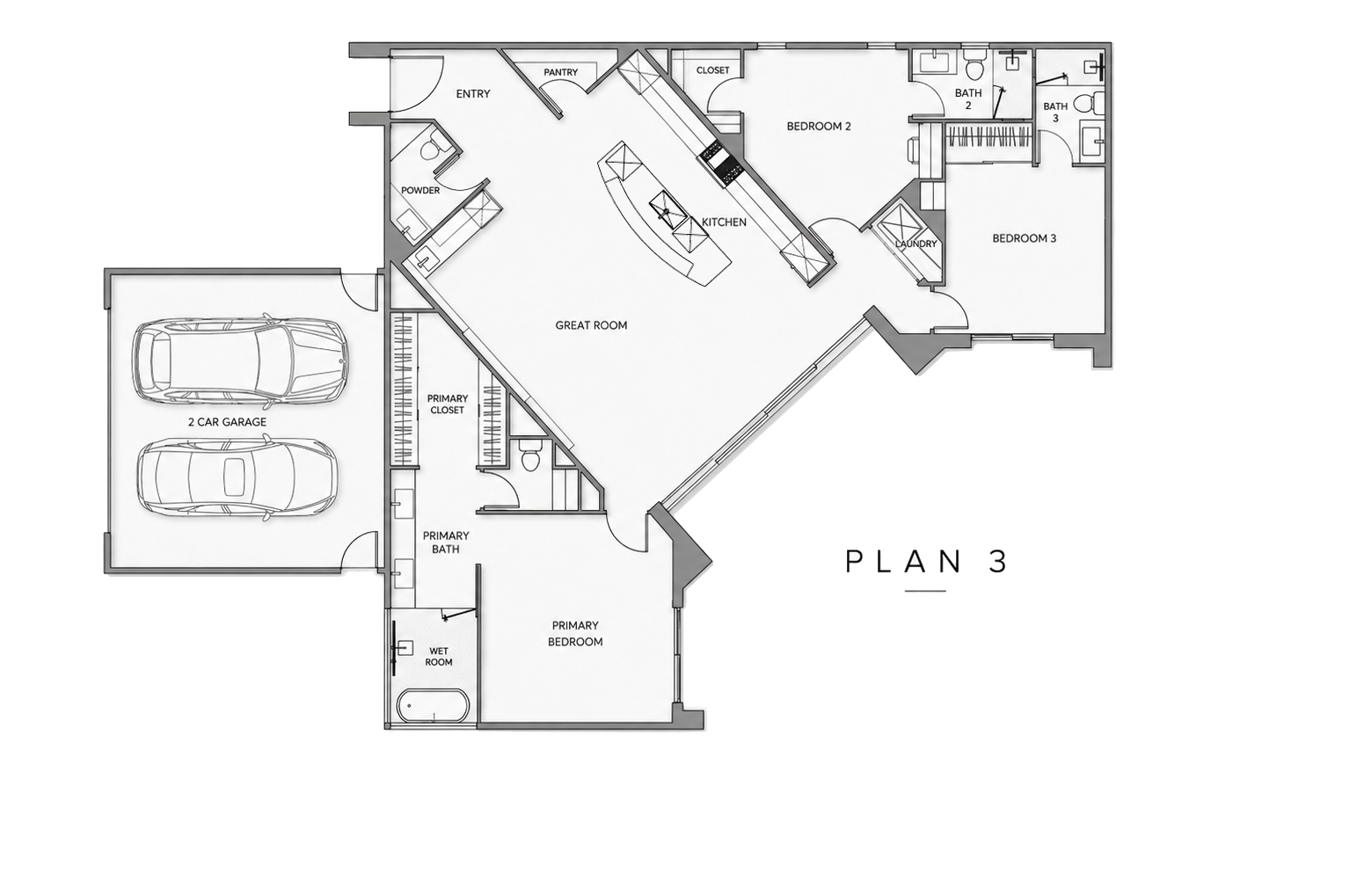
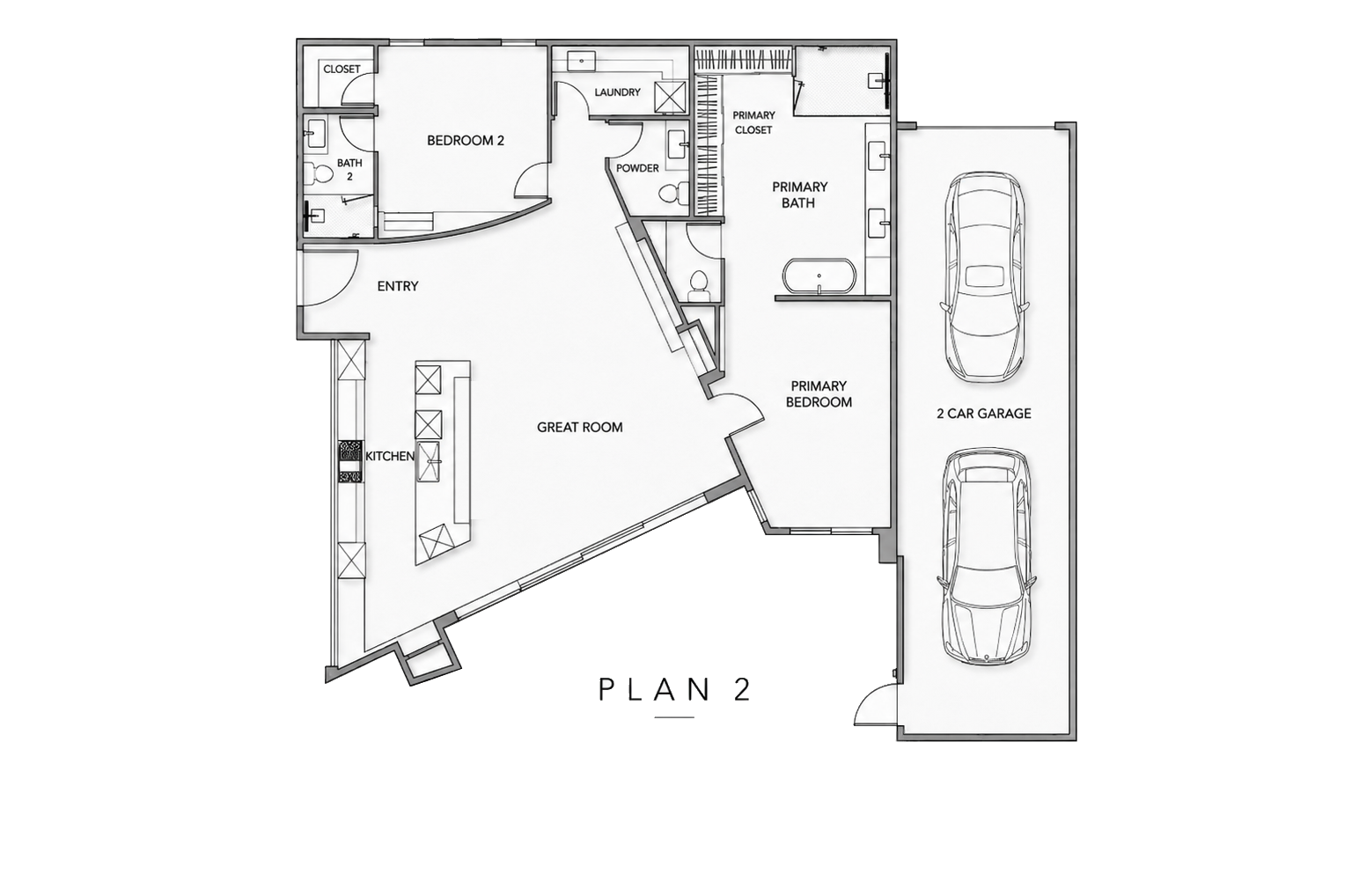
A luxury-magazine scroll-story — a cinematic aerial hero, then every residence as a full-bleed spread with reveals, parallax and a locator.
Open →Atlas
The Lookbook, now mapped — a full colour-coded site plan of all 26 parcels, and every spread pinpoints its lot on the interactive plan.
Open →The Dial
A rotary instrument — spin, scroll or drag the ring of 26 homesites; the one at the top comes into focus with its plan and details.
Open →Radar
The Dial, now located — as you spin the ring, a live site plan lights up the focused homesite's parcel exactly where it sits.
Open →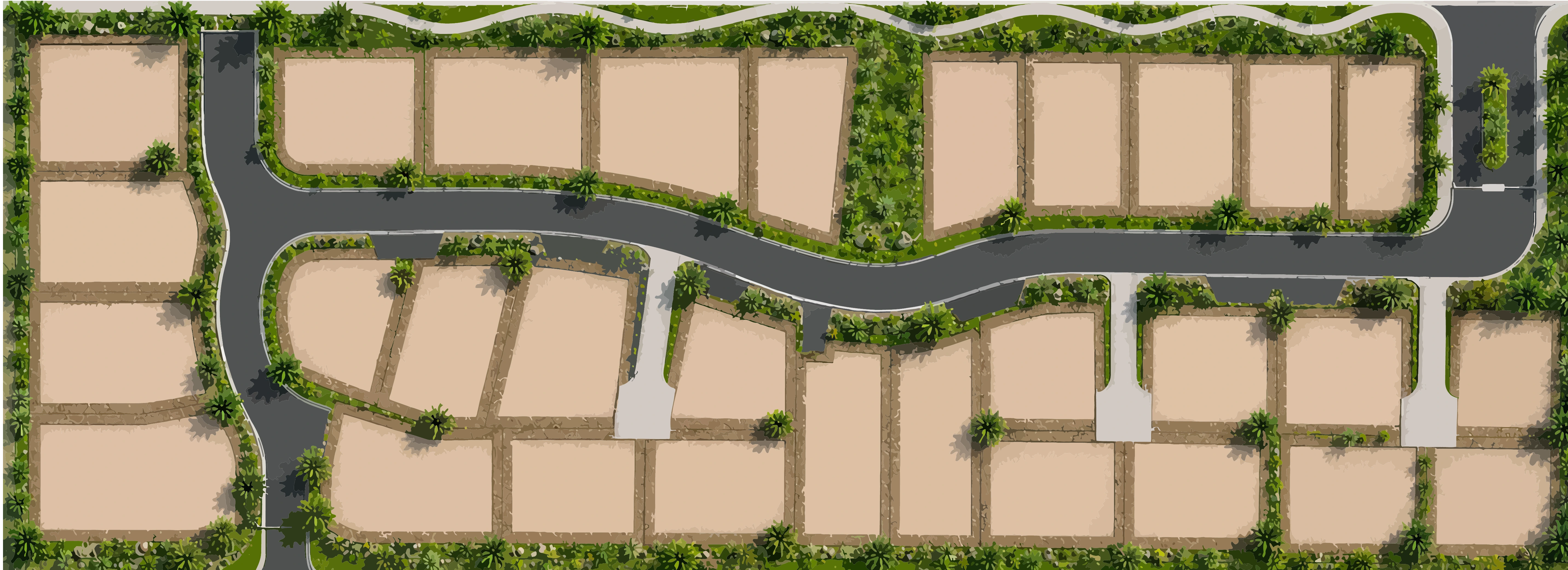
Lumen
The aerial as hero — click pins, filter by status, browse the filmstrip in daylight.
Open →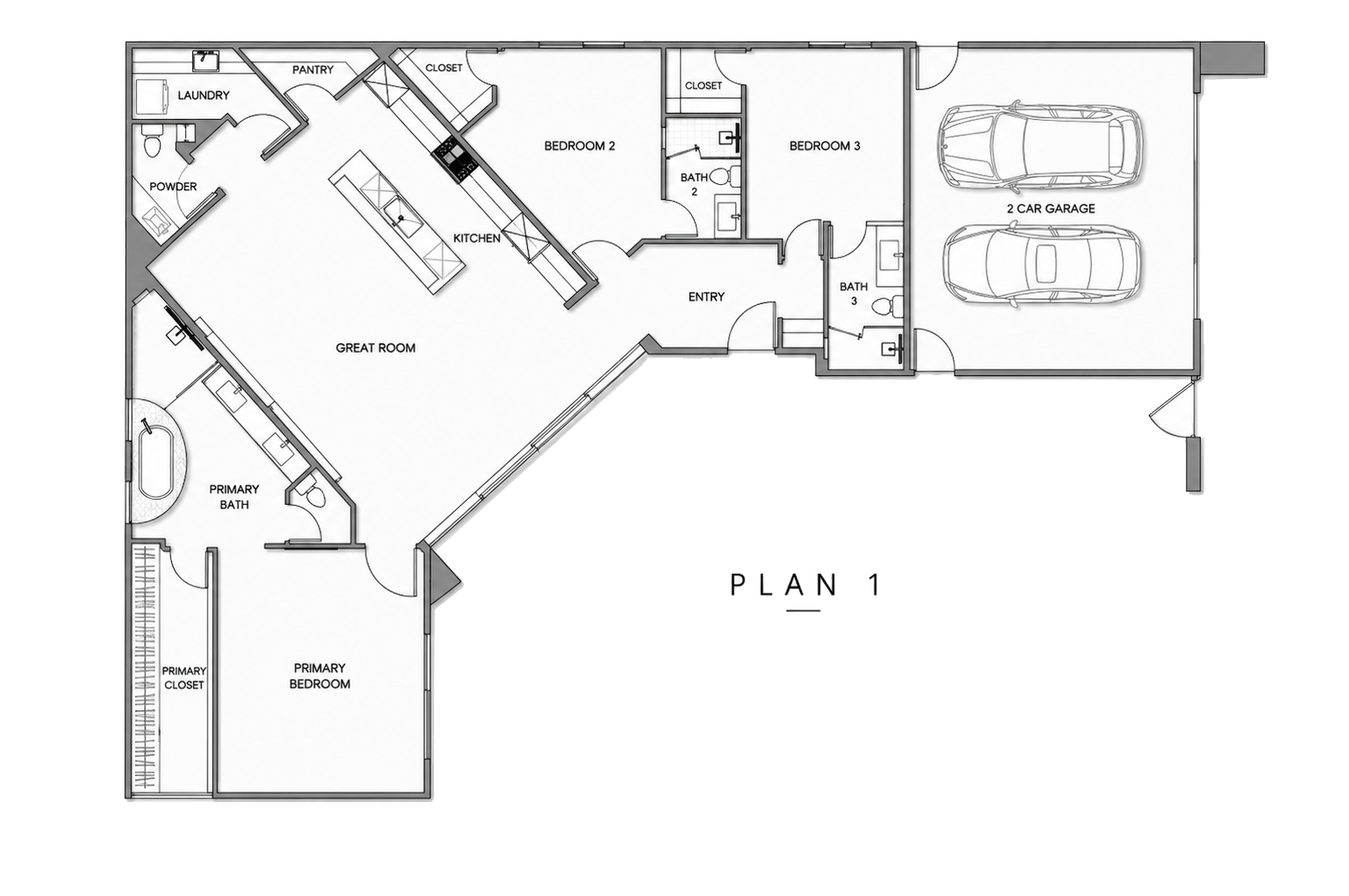
Catalog
Every residence as a card. Filter, sort by price or size, open for full details.
Open →Bento
A live modular dashboard — big stat tiles, the plan, a featured home, all reactive.
Open →Index
A bold typographic register — oversized numerals, a live ticker, sort & filter.
Open →Orbit
Glide through homes as floating panes in a desert-dusk space. Cinematic, gestural.
Open →Console
A keyboard-first finder — type to search, arrow to browse, live preview. Power-tool fast.
Open →All eleven run on the real Alure assets and the same live data. "Request info" is a placeholder — in production it's wired to your email flow, and the map views use the live interactive aerial. Pick a direction (or blend two) and it becomes the embeddable app.